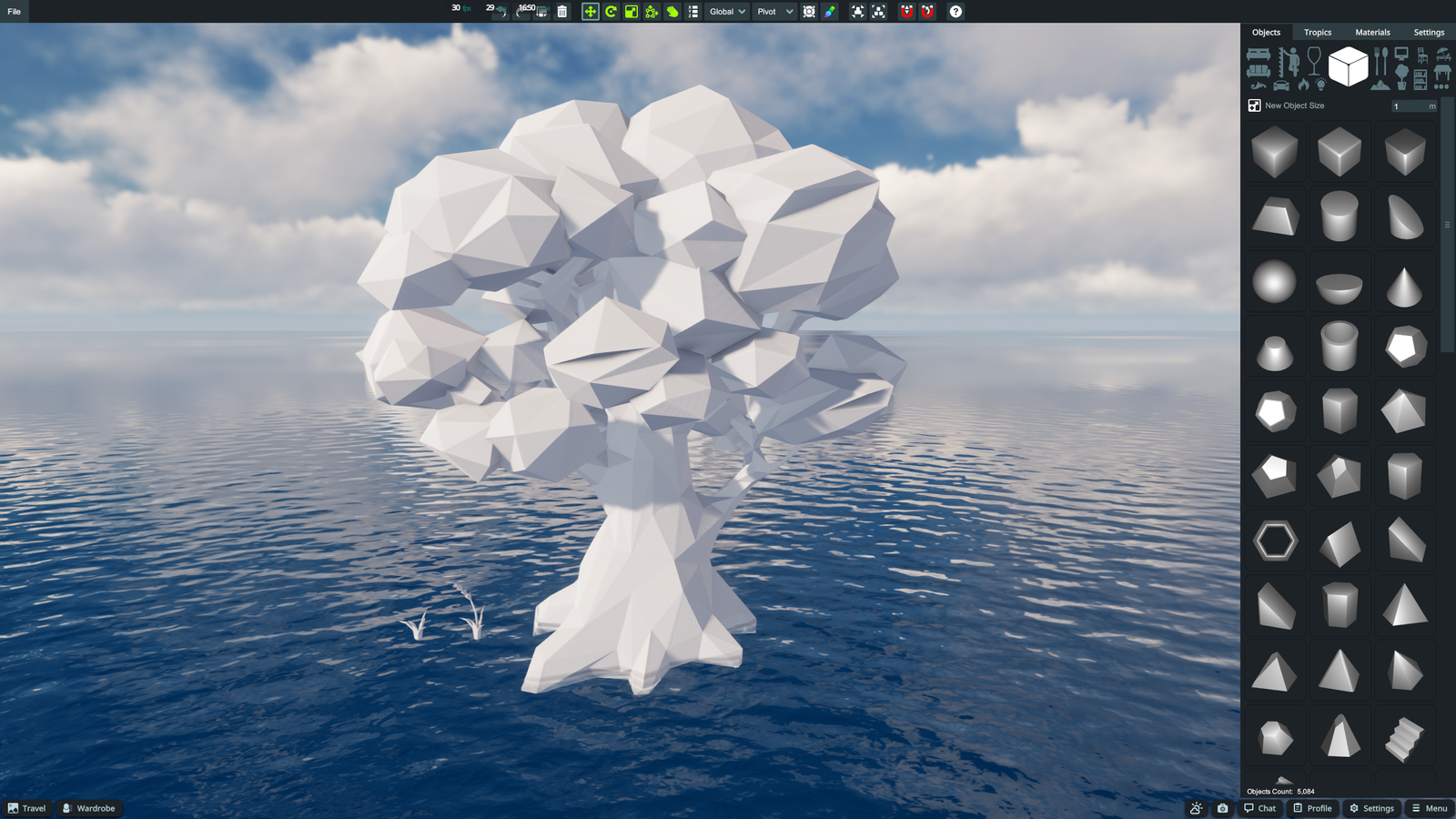
From Blender to 3DXChat
Step 1: Prepare your model
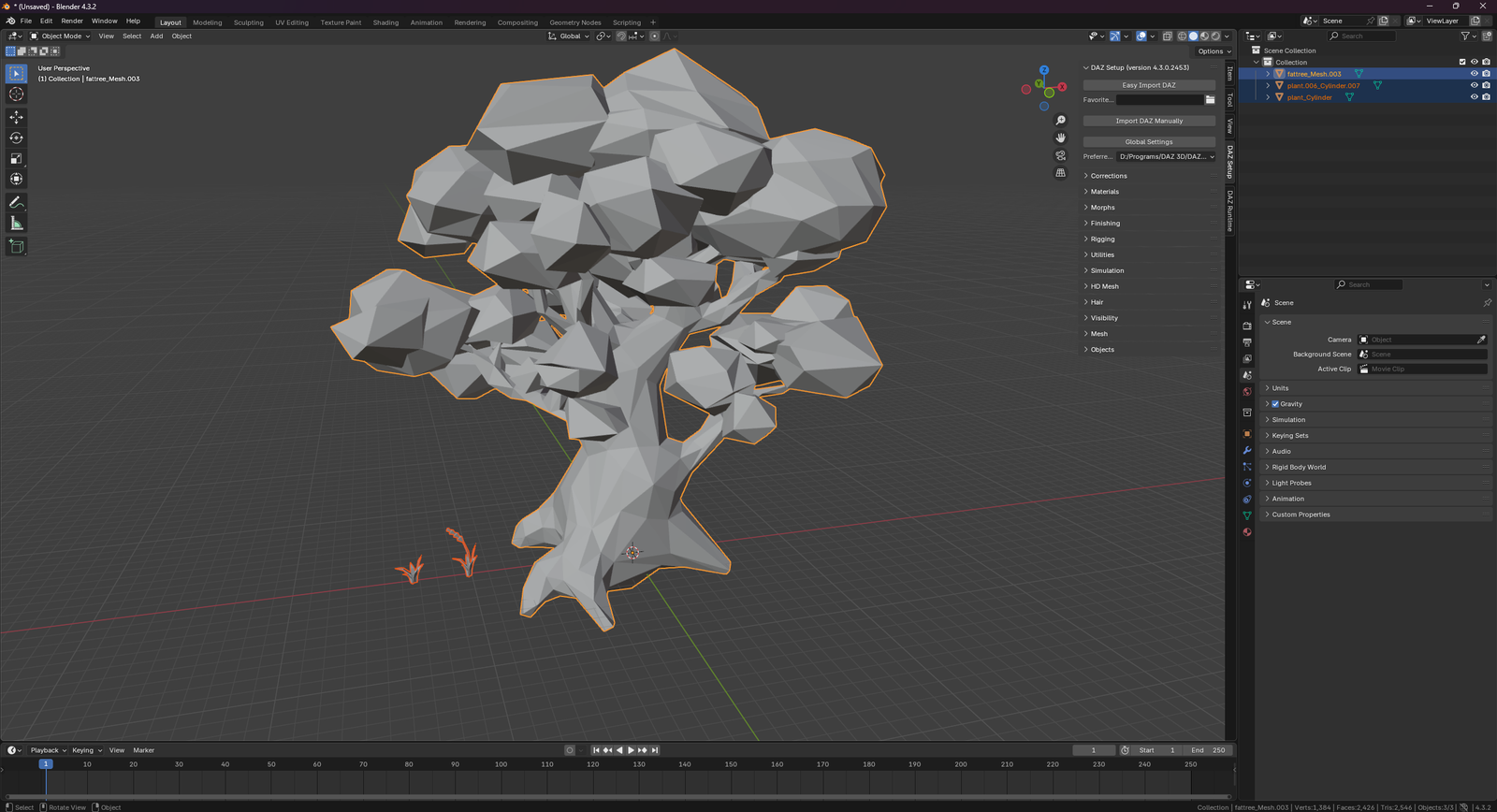
Open your project in Blender. Ensure your mesh has materials assigned. If you want to use vertex coloring, make sure your vertices are painted.
It is recommended to check that your object scale and rotation are applied (Ctrl+A).
Step 2: Export Menu
Select the object(s) you want to export.
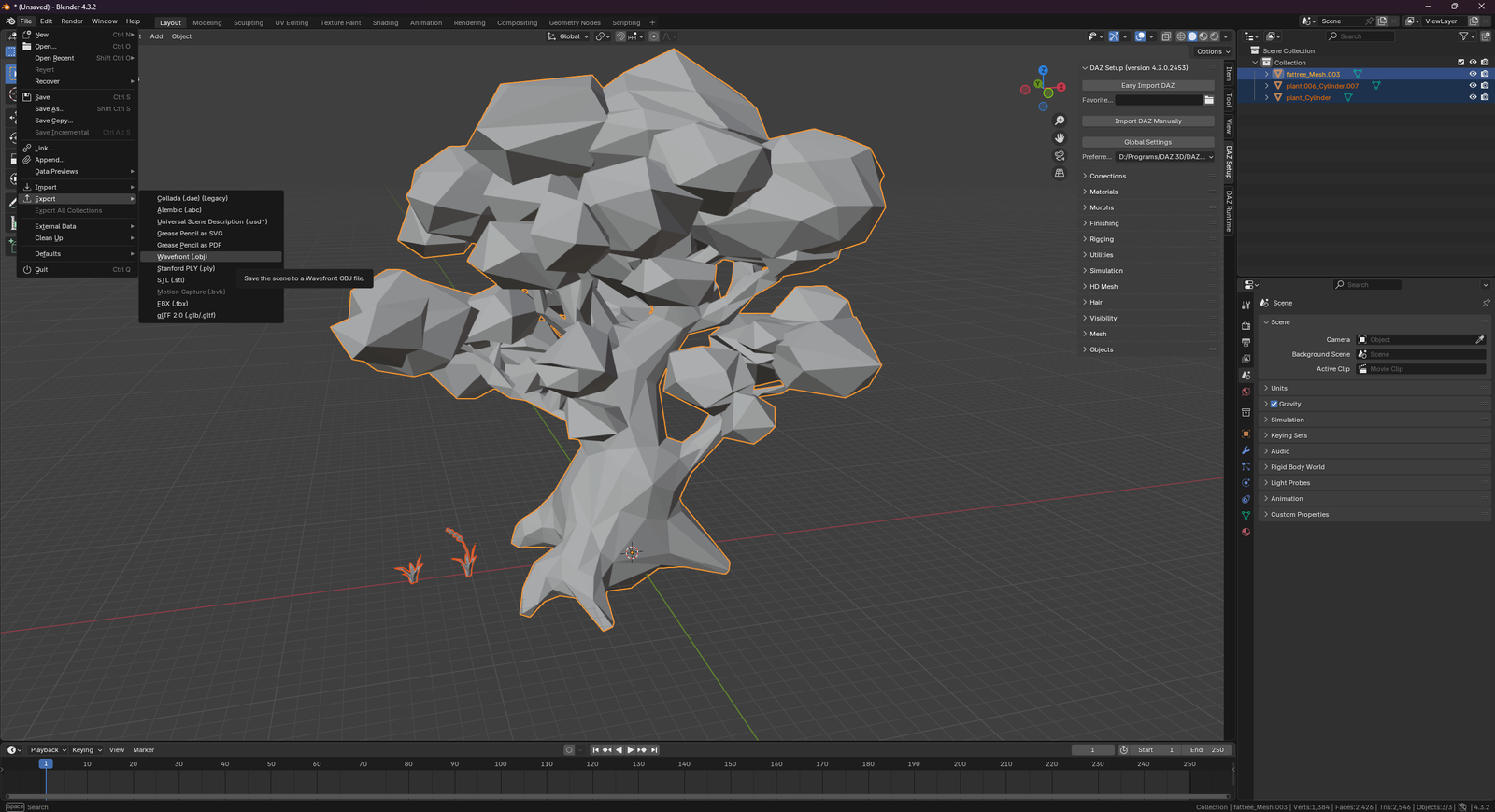
Go to File > Export > Wavefront (.obj).
Step 3: Export Settings
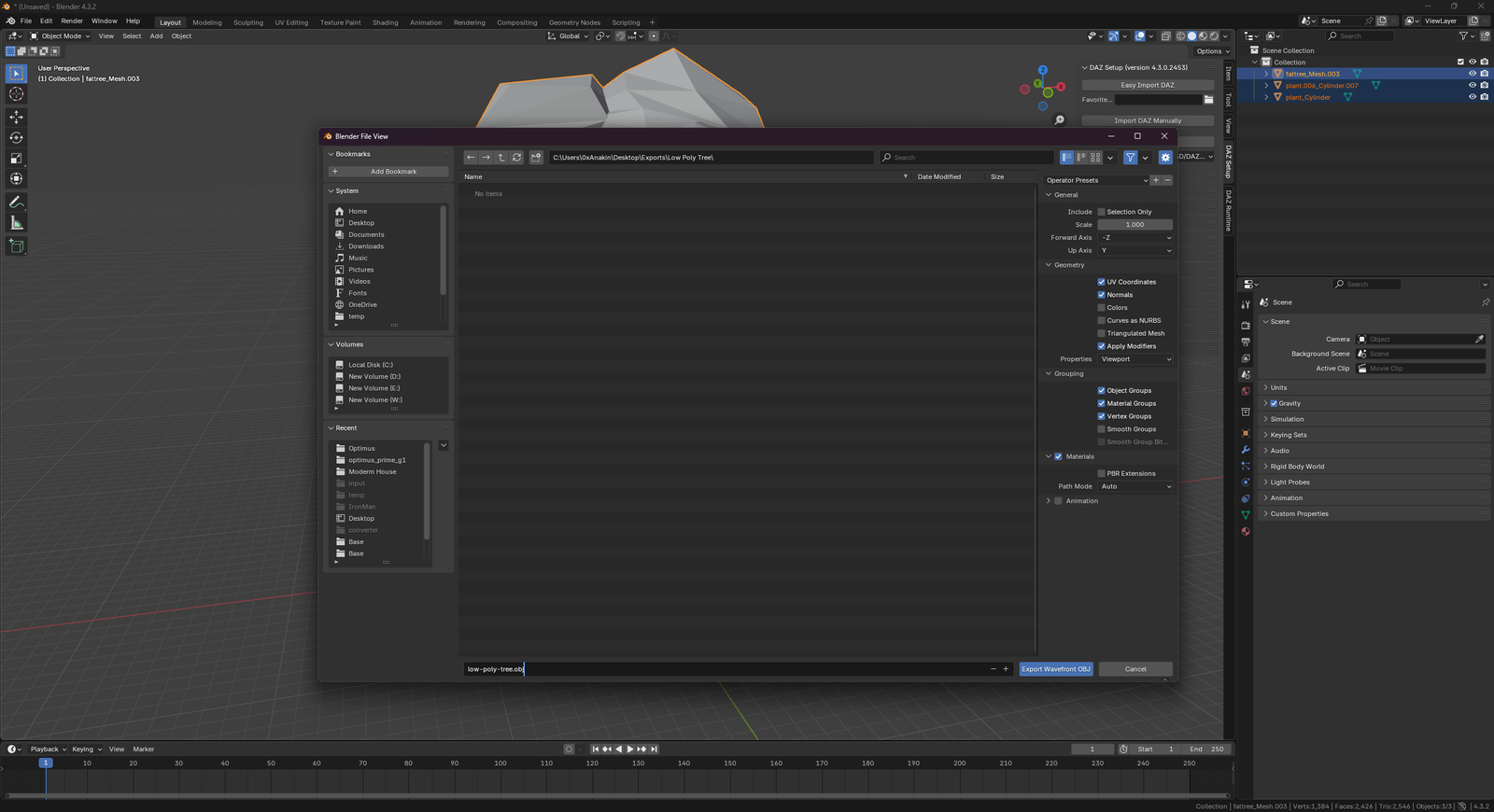
In the export dialog, enable the following settings on the right panel:
- Limit to: Selection Only (so you don't export the whole scene)
- Object Groups (Essential if you want separate meshes in the game)
- Vertex Groups or Vertex Colors if needed.
- Triangulated Mesh (Recommended for game compatibility)
Tip: Preserving object groups allows you to modify parts individually in the game.
Step 4: Upload and Convert
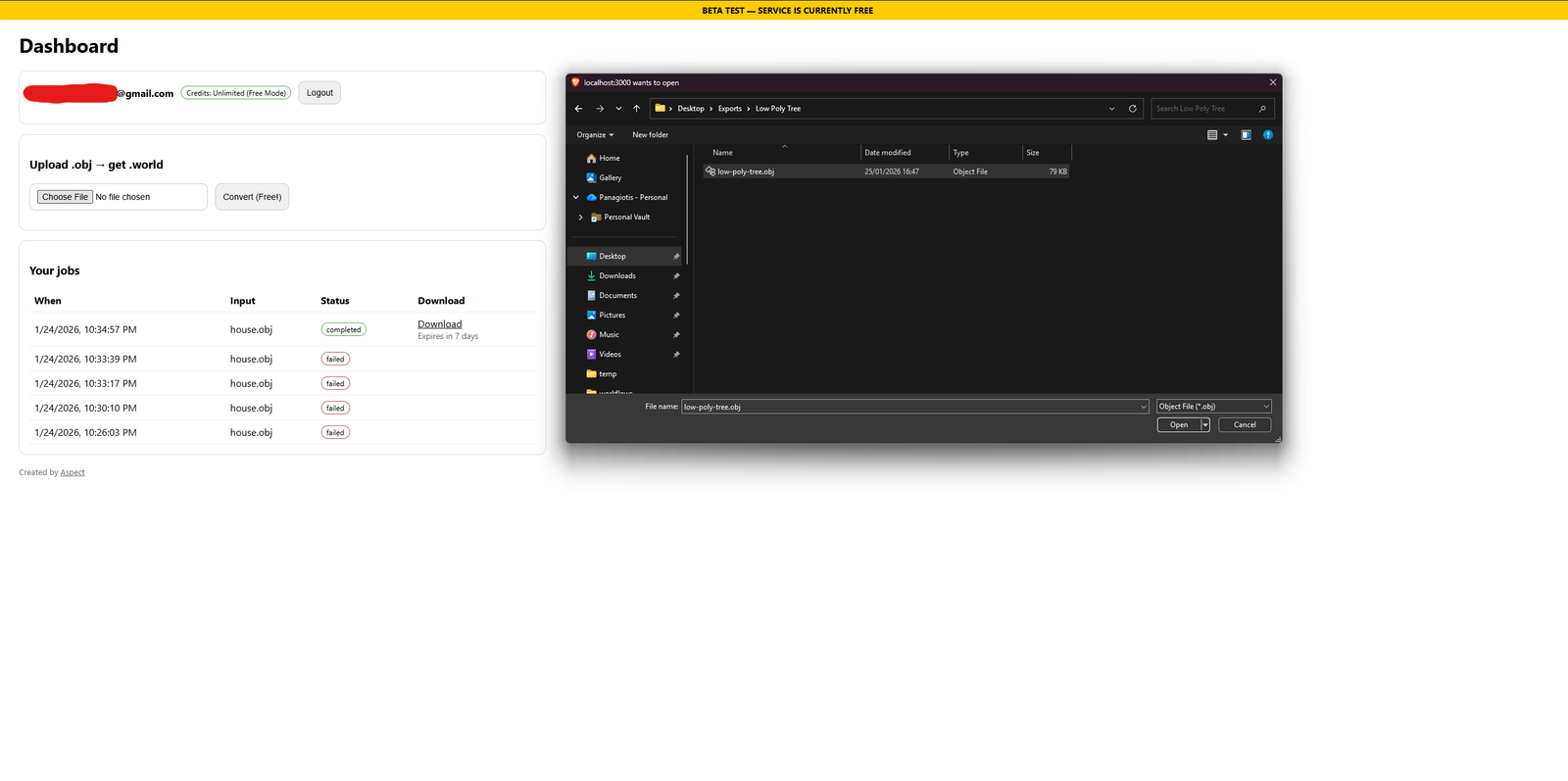
Log in to your OBJ2WORLD Dashboard.
Select your exported .obj file and click "Convert". The service will process your file and generate a .world file.
Step 5: Import to Game
Download the resulting .world file.
Place the file in your game's import folder (e.g. /Saves/Imports/ or via the in-game importer) and spawn the item.